Antisuppression Bars puts red-green (or red-blue) bars over reading text and simple games, for binocular vision exercises at home with bichrome glasses. Each eye sees only part of the picture through its filter, so both eyes have to work together to read the story or follow the game.
Important: this is a supplement to vision therapy prescribed by an optometrist or
ophthalmologist. It is not a medical device and does not diagnose or treat any condition.
▶ Play in your browser. Works on computers, tablets and phones, with no sign-up or download.
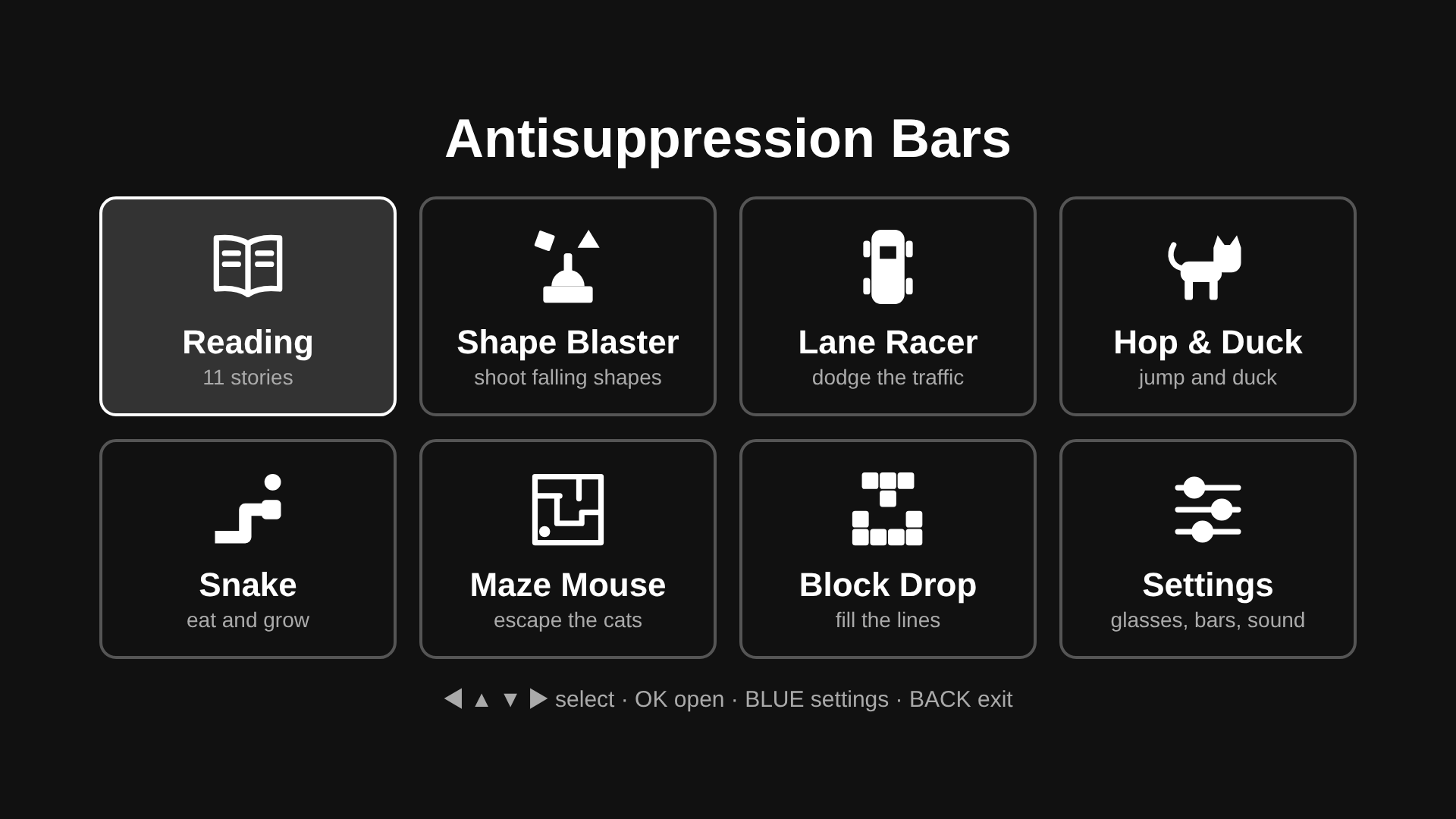
What’s inside
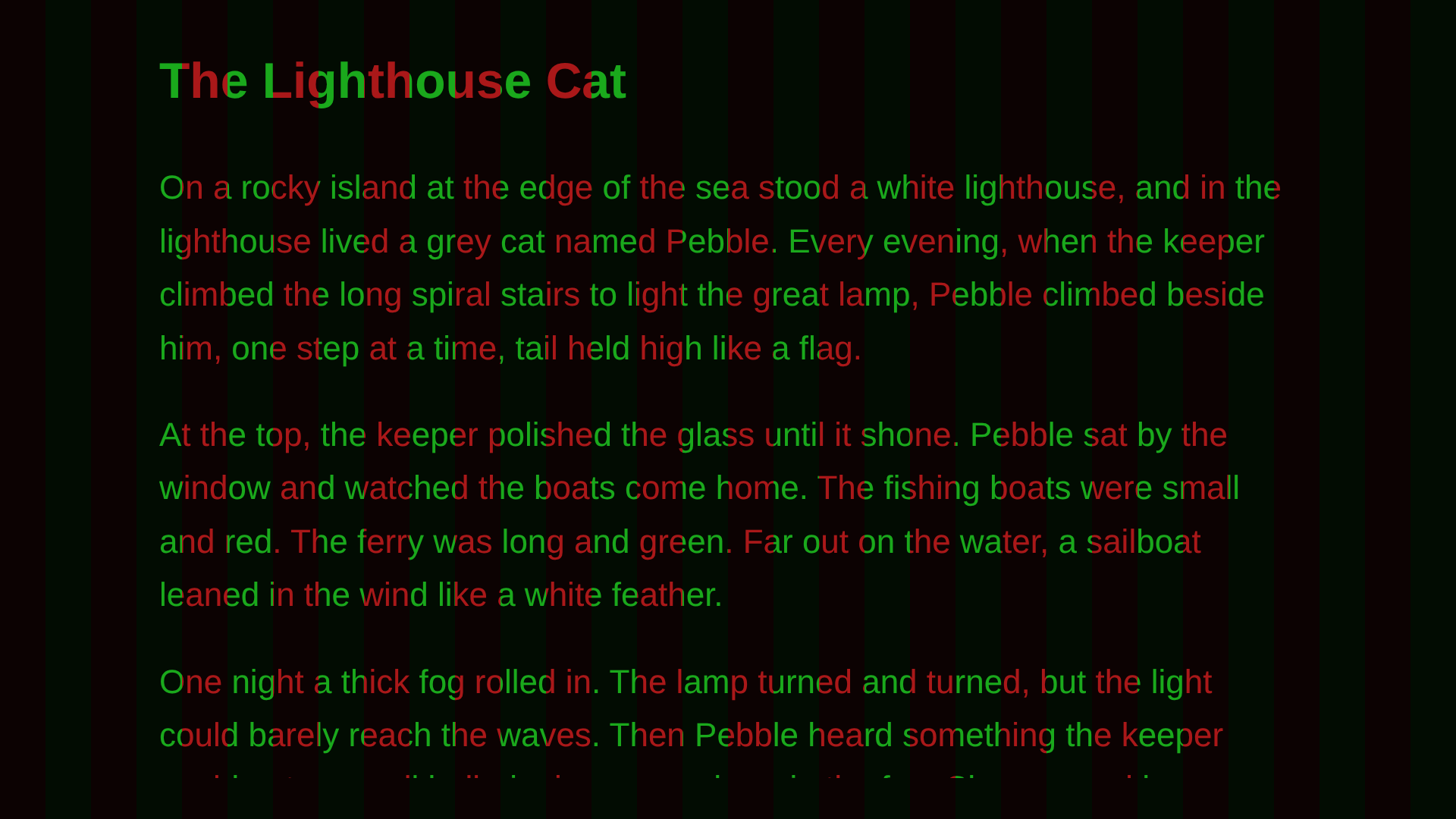
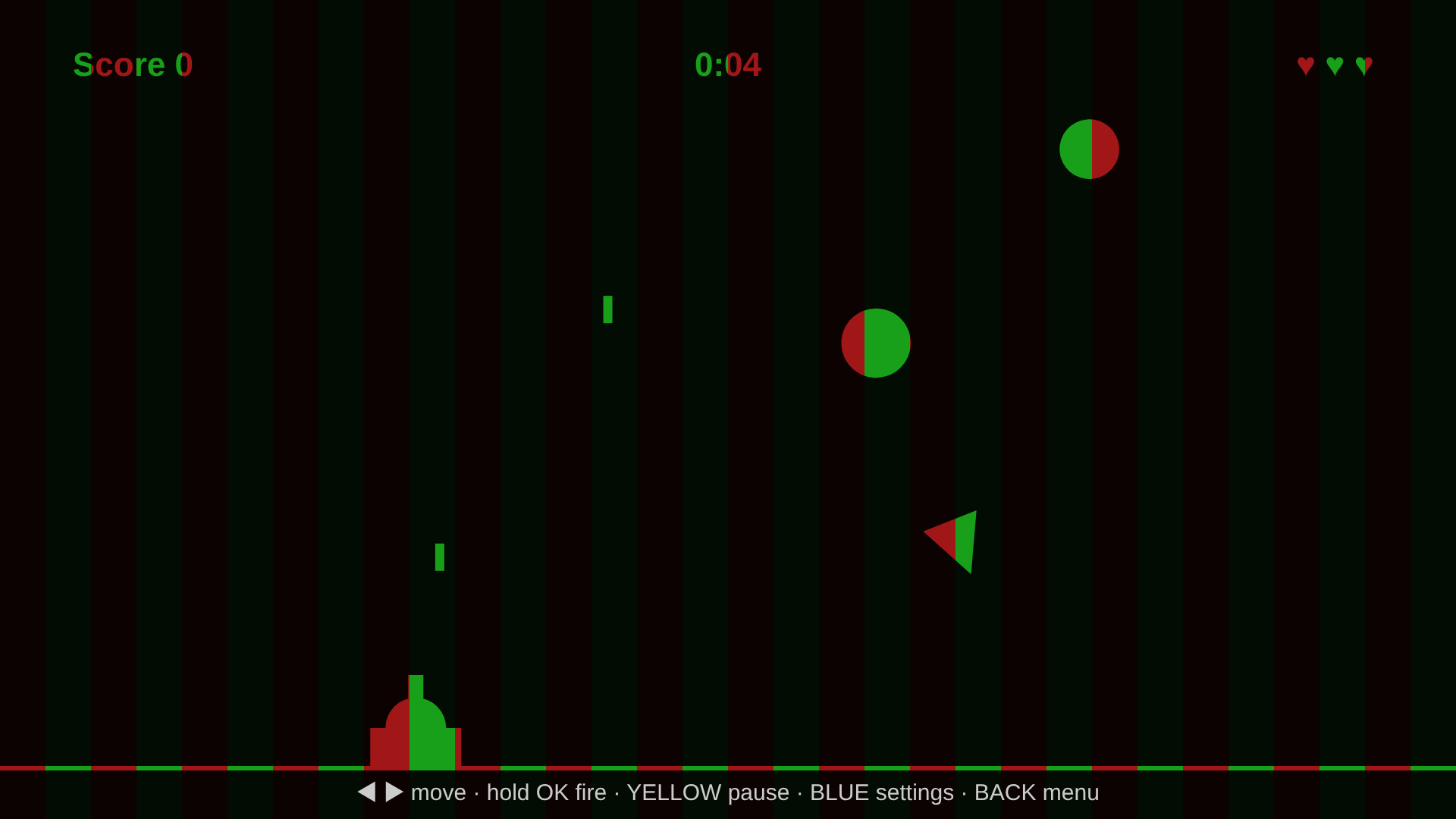
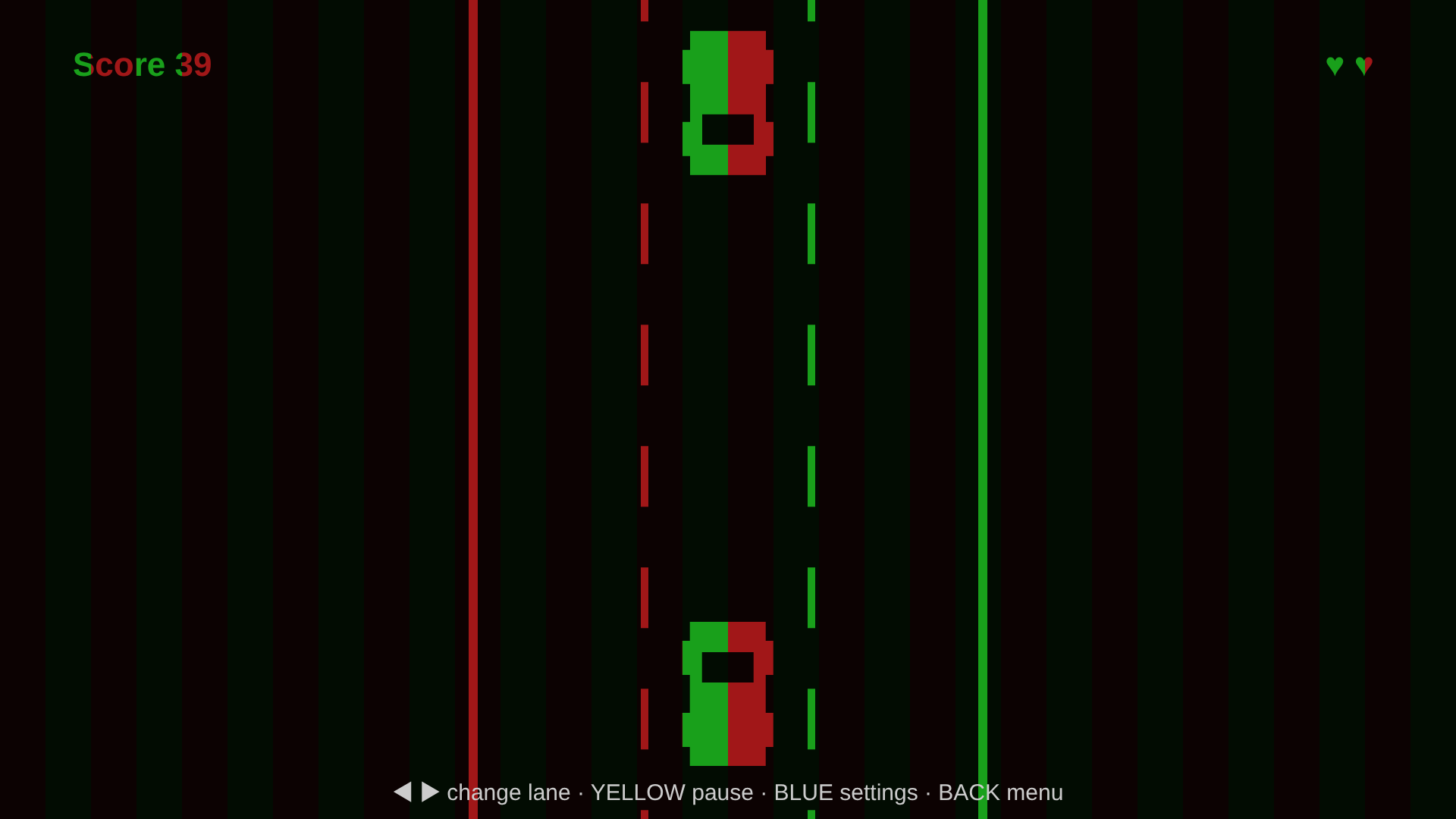
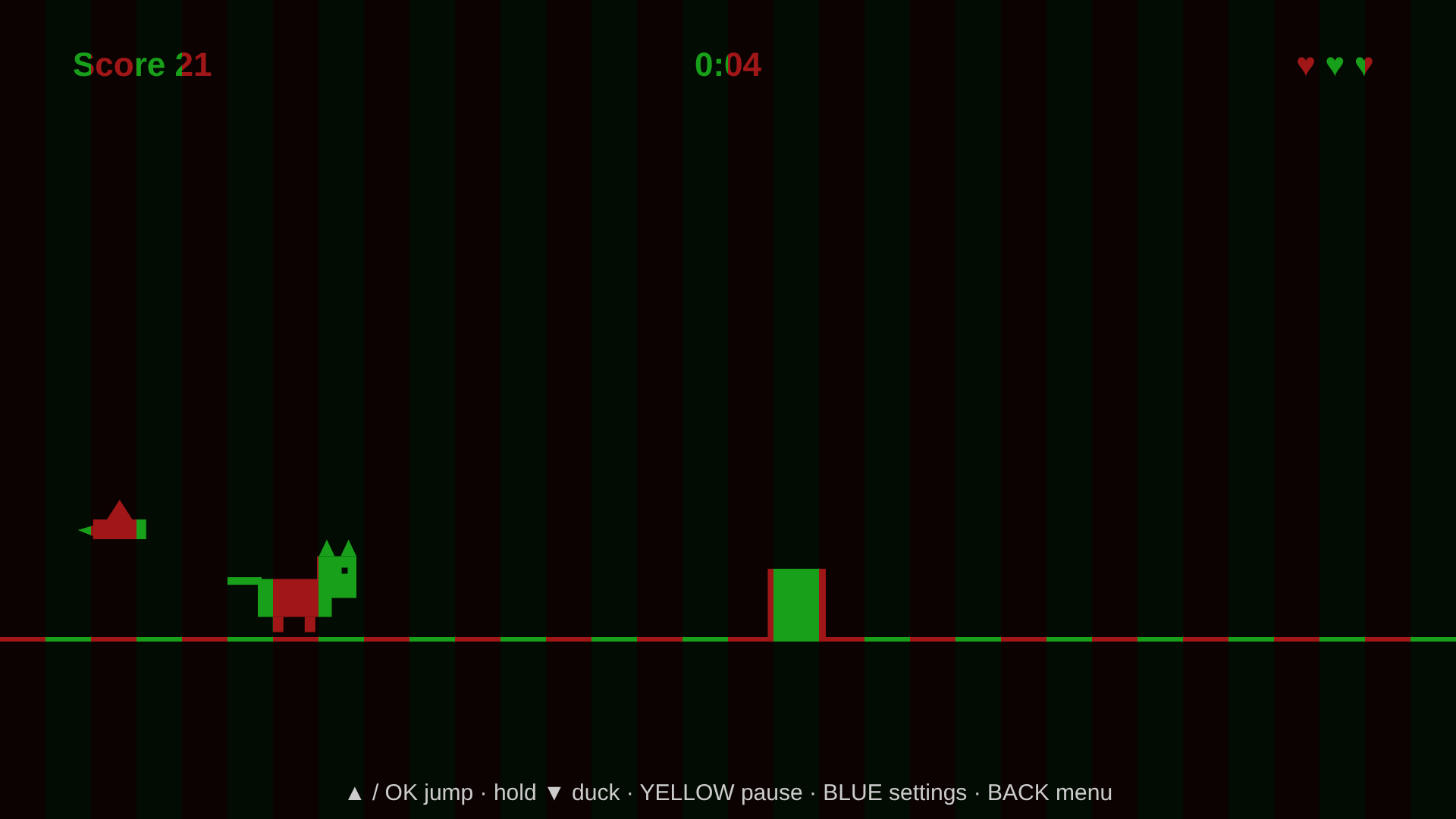
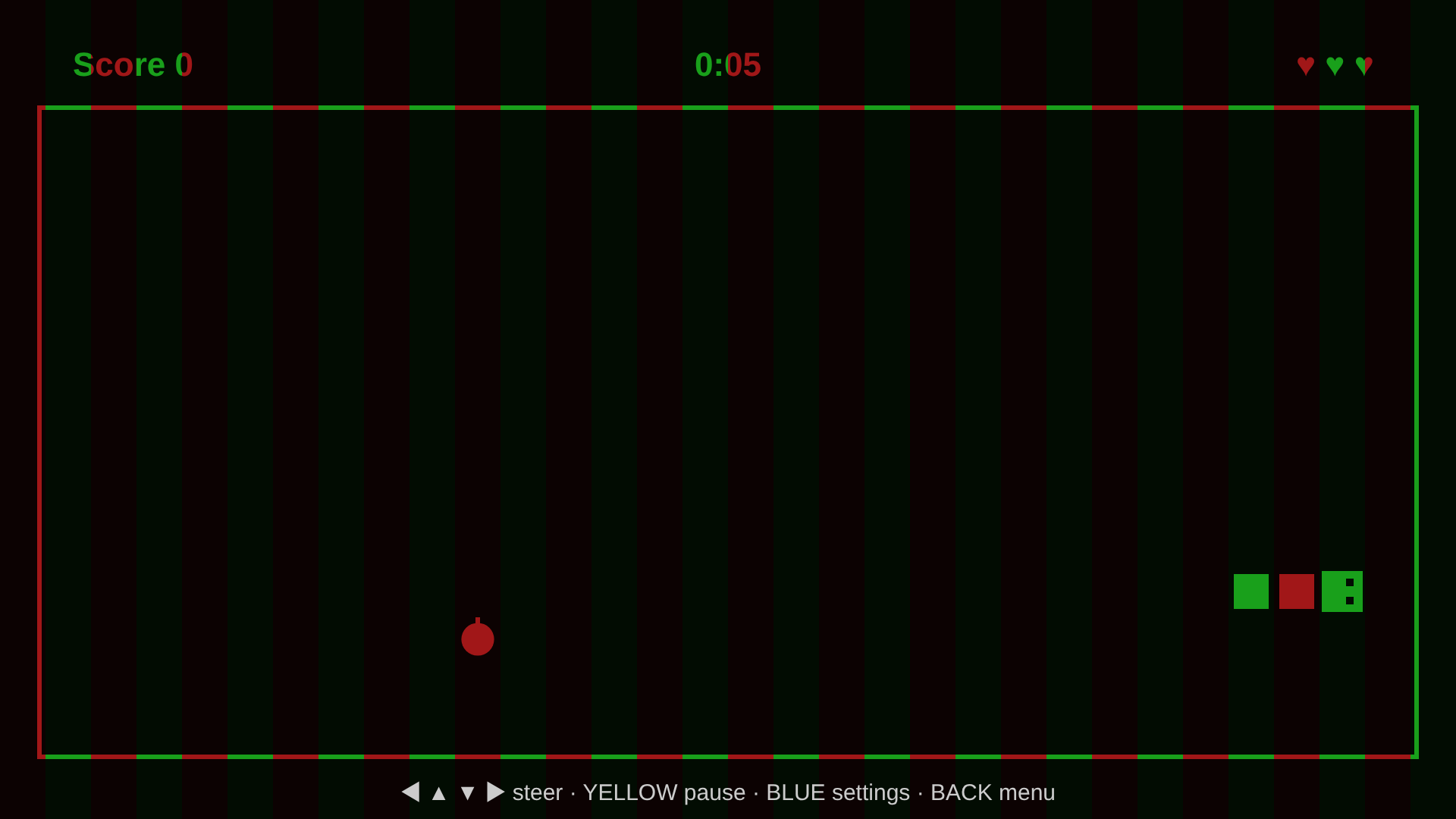
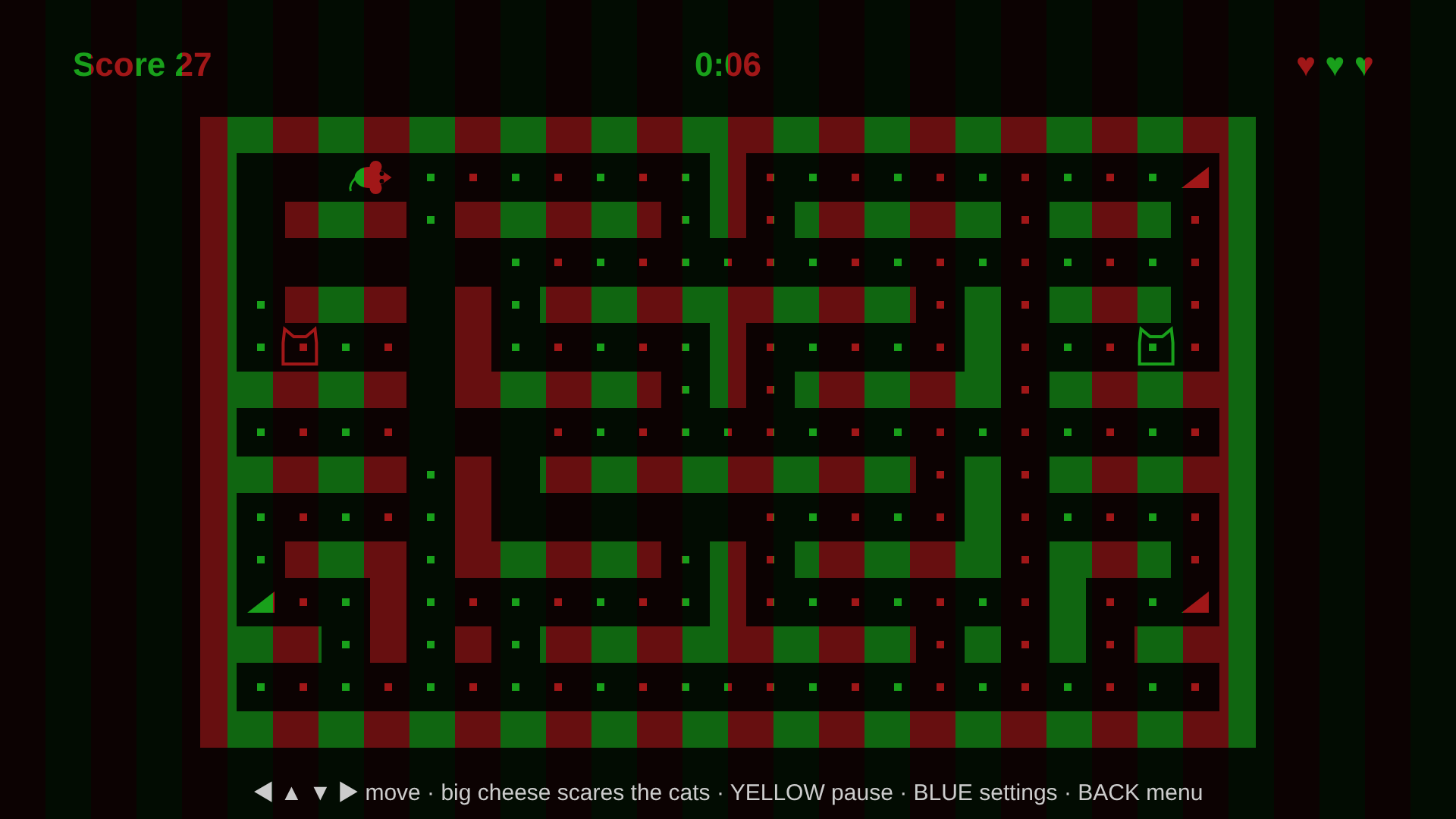
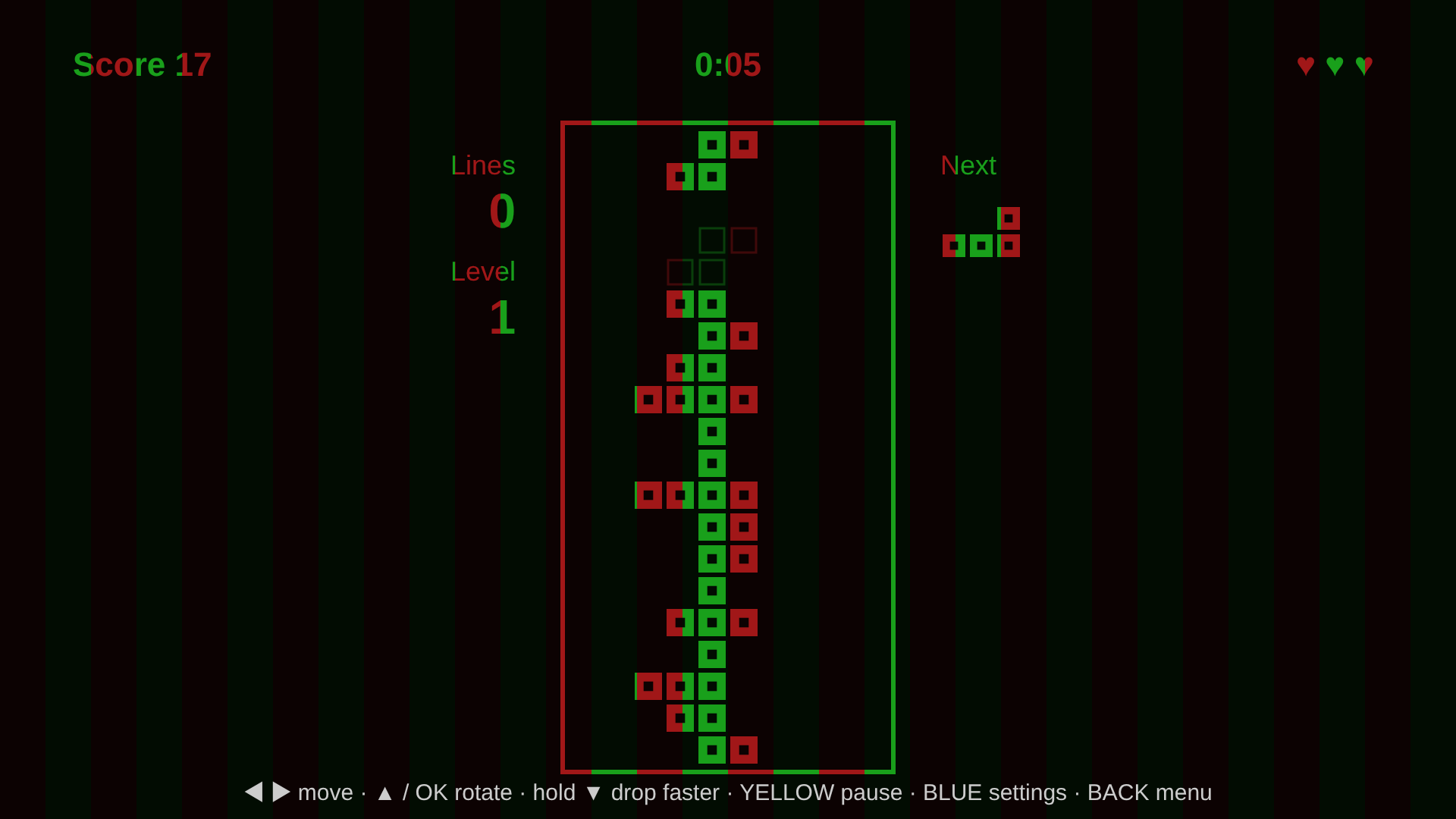
Before you start
- Turn off night mode, blue-light or eye-comfort filters on your screen. They change the colours.
- Put on your red-green or red-blue glasses.
- Open Settings and set Glasses to match them.
- Adjust the red and green / blue shades until each eye sees only its own colour of bar. Screens show colour differently, so the best shade depends on your display.
- Follow the session length and schedule your eye-care provider recommends.
Settings
| Setting | Options |
|---|---|
| Glasses | red / green, red / blue |
| Orientation | vertical (default) or horizontal bars |
| Bar width | 20 to 200 px |
| Bar strength | 20% to 100% |
| Red shade | 8 shades |
| Green shade or Blue shade | 9 shades (matches the chosen glasses) |
| Text size | 32 to 72 px, for the reading stories |
| Music | on / off: soft background music, a different theme for each game |
| Sound effects | on / off: short sounds for moves, shots, jumps and pickups |
Settings and best scores are saved in your browser.
Controls
| Keyboard | Touch | |
|---|---|---|
| Move / steer | Arrow keys | ◀ ▲ ▼ ▶ pad |
| Fire, jump, select | Space or Enter | OK |
| Pause | P | Pause |
| Settings | S | Bars |
| Music on / off | M | (in Settings) |
| Back to menu | Esc | Menu |
| Fullscreen | F |
In Reading, use ↑ ↓ (or drag) to scroll and ← → (or swipe) to change story.
Also on LG TV
The same app is being prepared for LG webOS TVs (LG Content Store), playable with the TV remote.
Privacy
The app collects no personal data and works offline once loaded. See the privacy policy.